

This guide will walk you through creating an Inkrypt account, verifying your email, and getting started with secure video content management.
Sign up for Inkrypt
When you first arrive at our sign-up page, you’ll notice a simple form prompting you to enter a few details: Name, Email Address, Phone Number, Password, and your Website URL. Inkrypt Videos offers a free 30-day trial, and no credit card is required.
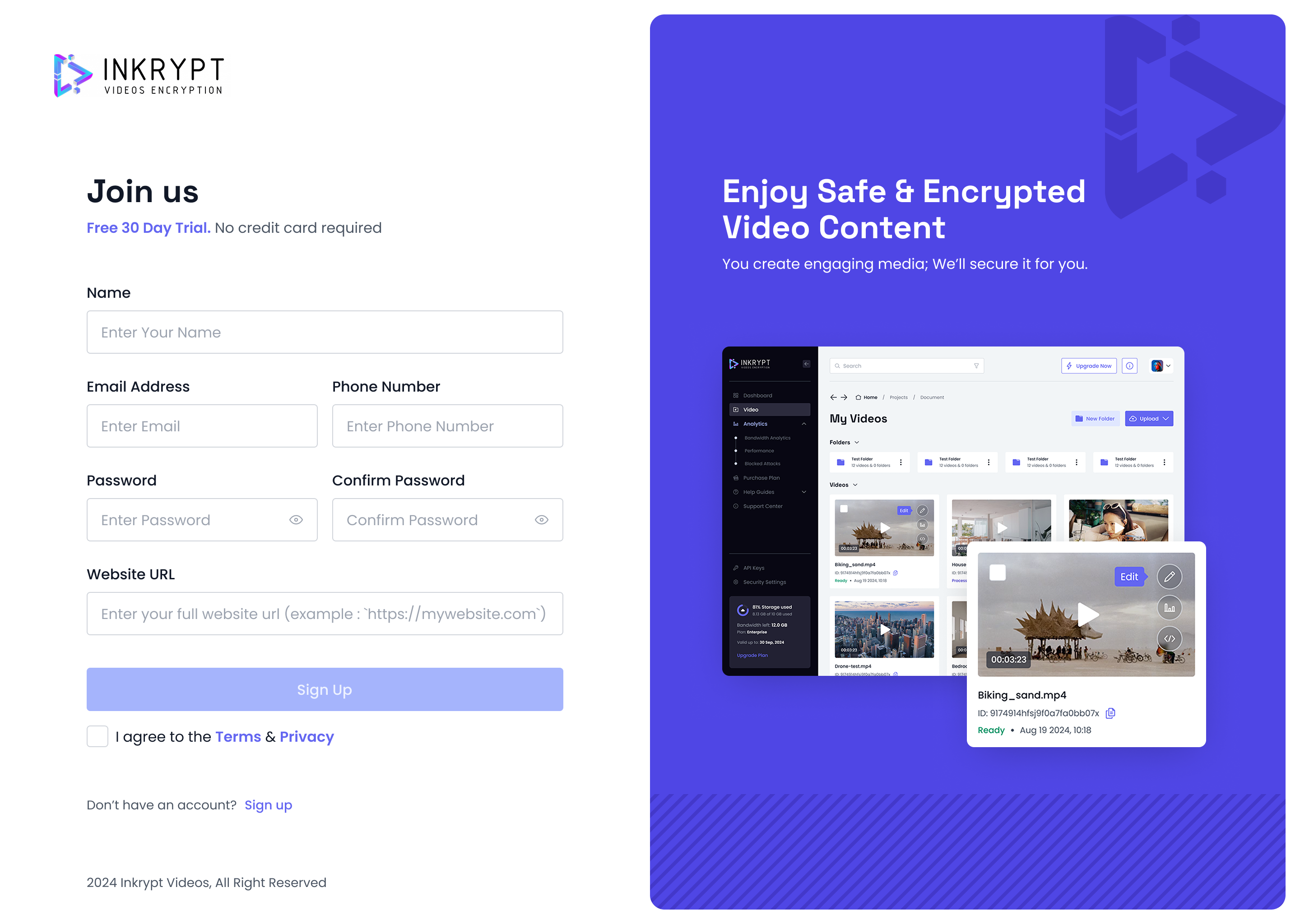
Here’s how to sign up:
- Fill out the sign-up form: Provide your name, email, password and your website URL.
- Agree to the Terms & Privacy: We value transparency and security, so be sure to read and check the box to indicate you agree.
- Click “Sign Up”: That’s it! Once you submit, you’ll see a prompt letting you know that a verification email has been sent to your inbox.
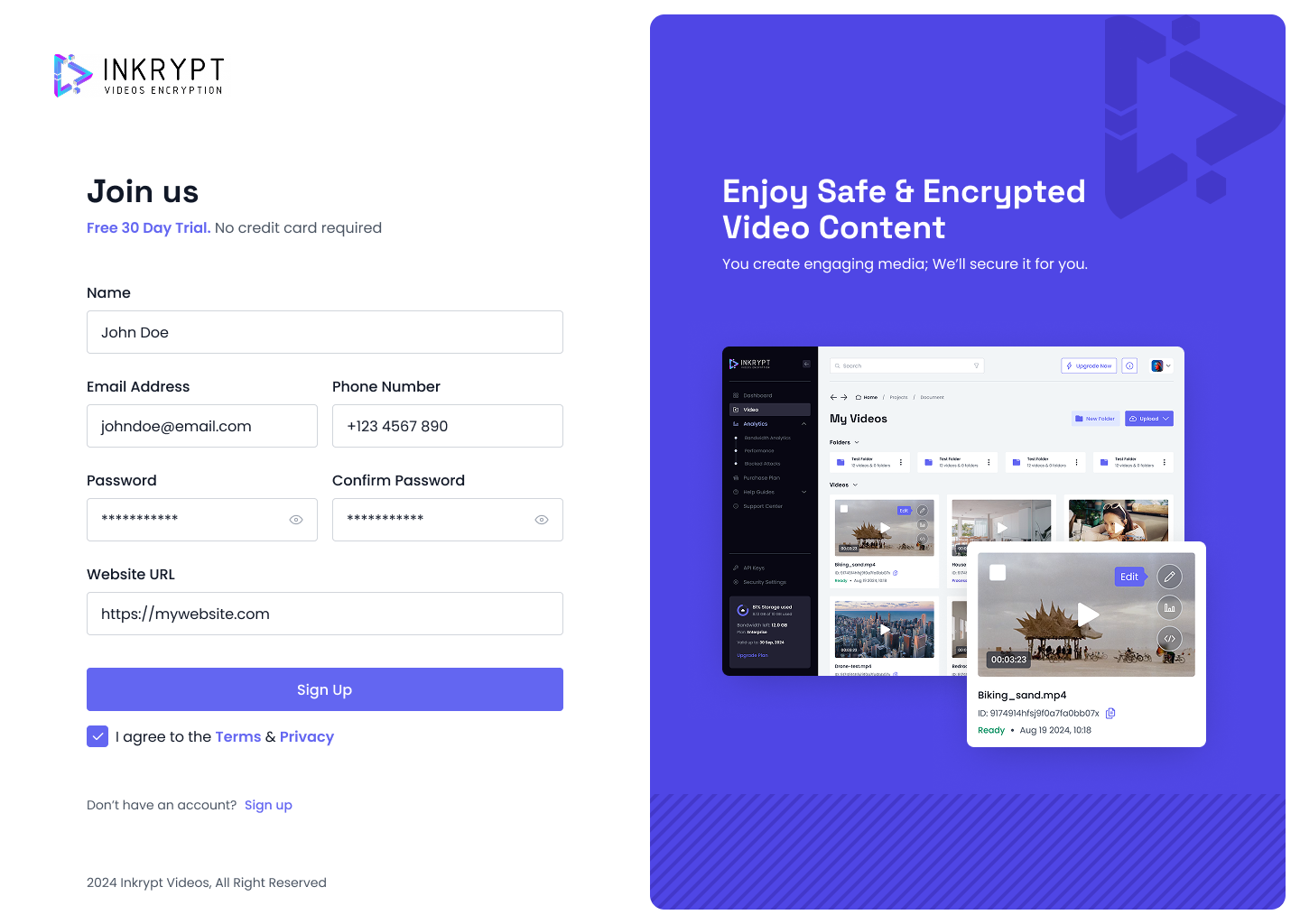
Pro Tip: Use a strong password to keep your account secure. We also recommend double-checking your email address for any typos before clicking Sign Up
Verify your email
Once you’ve created your account, you’ll see a screen prompting you to verify your email address. This step ensures we know it’s really you before giving you full access to your Inkrypt Videos dashboard.
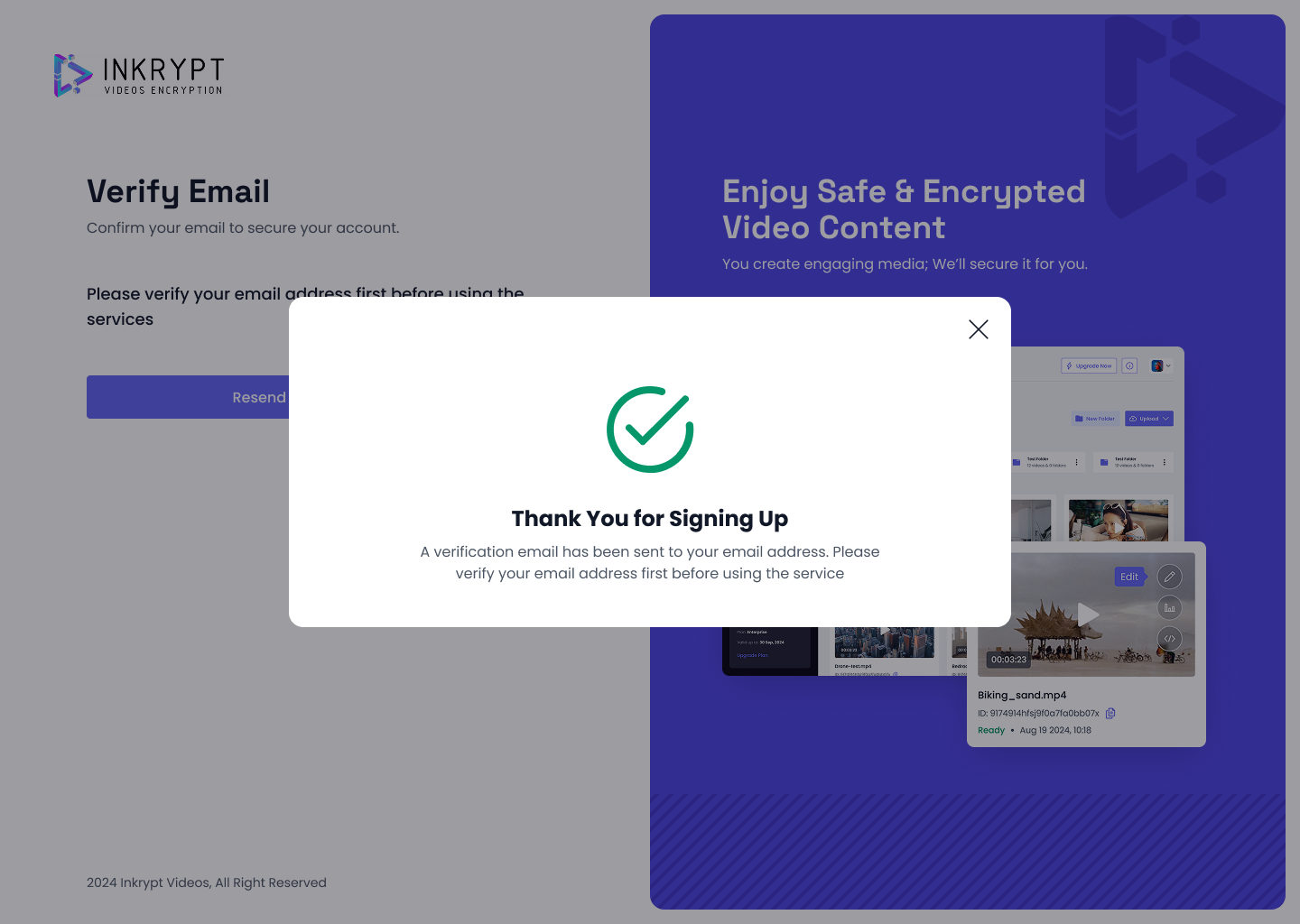
How to verify:
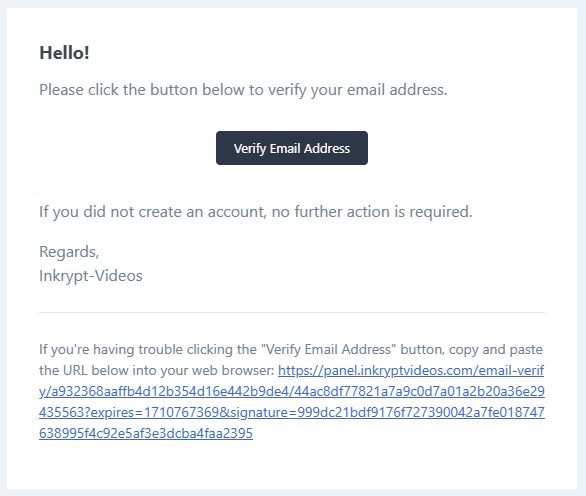
- Check your inbox: Look for an email from Inkrypt Videos with the subject “Verify Your Email.”
- Click the verification link: This link confirms your email address and activates your account.
- Resend the email if needed: Didn’t see the email? Check your spam folder or click Resend Email Verification from your Inkrypt dashboard.
Once you’ve verified your email, you’ll be greeted with a confirmation screen. Now you’re ready to dive in!
Loging in
After you’ve verified your email, it’s time to log in and access your Inkrypt Videos dashboard.
How to log in:
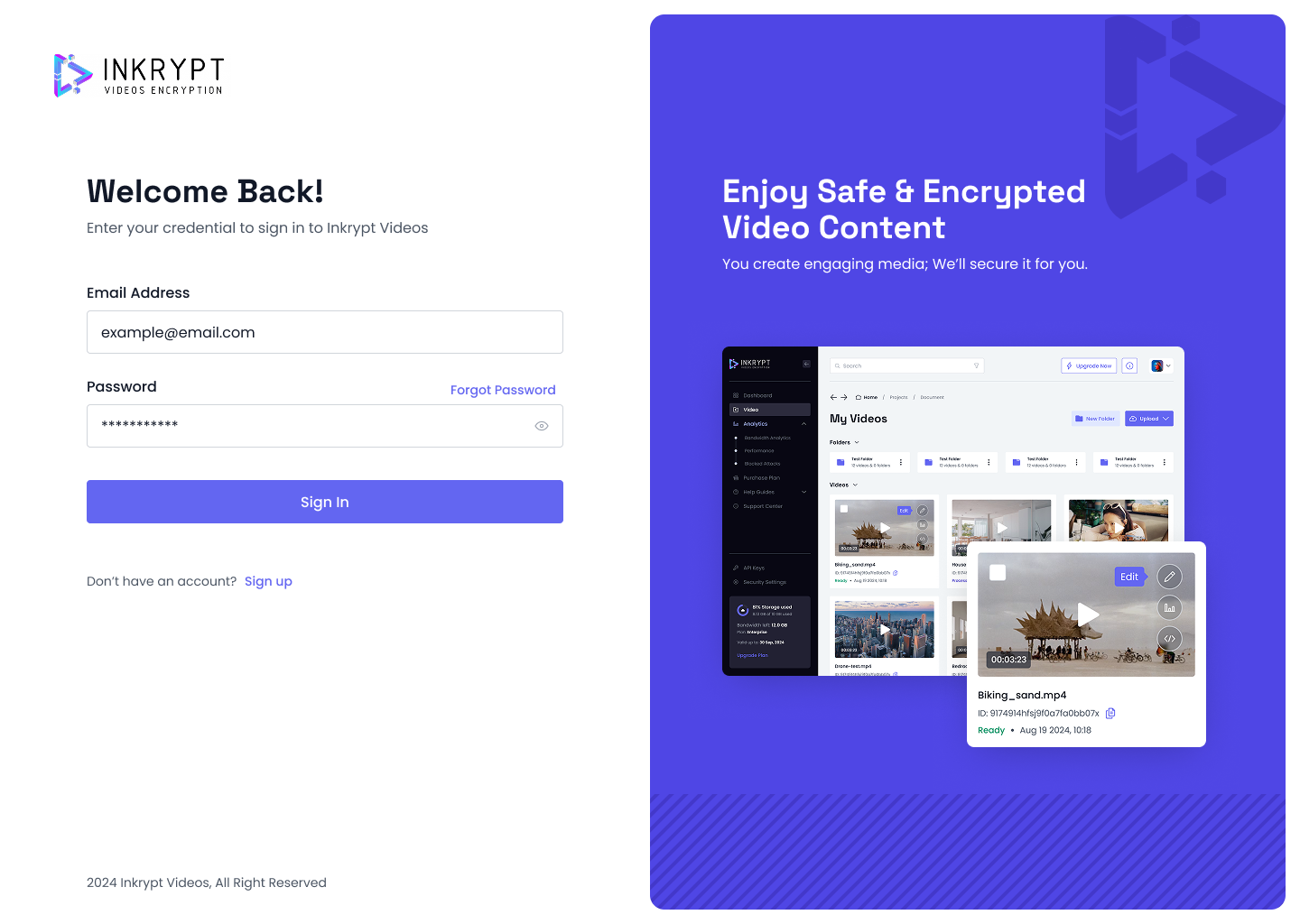
- Go to the login page: Enter your registered email address and password.
- Click “Sign In”: You’ll be taken directly to your dashboard if your account is fully activated.
What if your account is not fully activated yet?
If your account activation is still processing, you might see a message like the one below indicating your account is not activated yet:
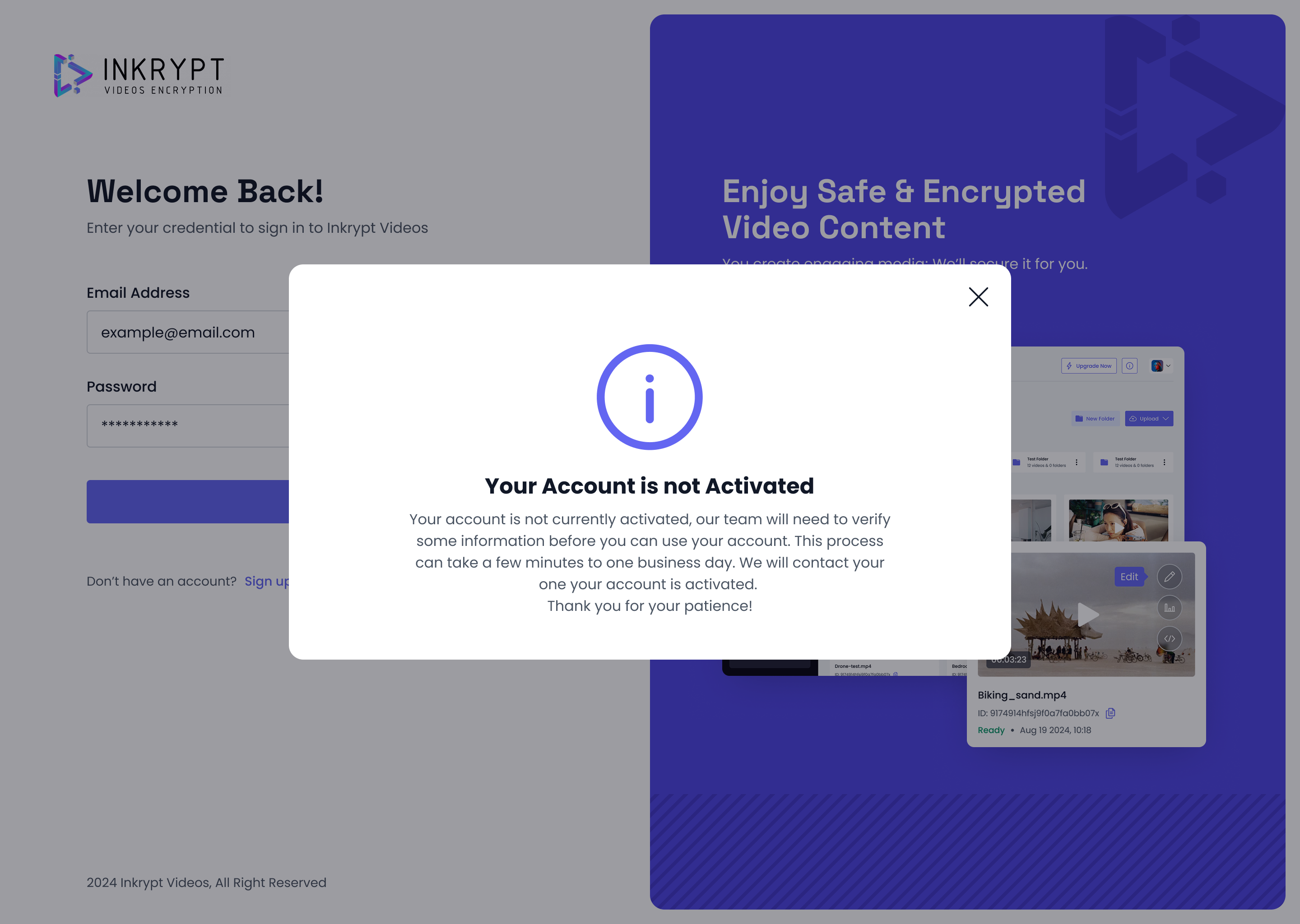
Don’t worry, this process usually takes only a few hours. Once your account is activated, you can log in without any issues.
4. Troubleshooting
-
Didn’t receive an email?
- Double-check your spam or junk folder.
- Confirm you entered the correct email address.
- Use the Resend Email Verification option if needed.
-
Still having issues?
- Contact Inkrypt support at [email protected] for additional help.
That’s it!
You’re now ready to start using Inkrypt Videos for secure and encrypted video content. If you have any further questions, be sure to check out our other knowledge base articles or reach out to our support team.
Last updated: 20/02/2025
© 2025 Inkrypt Videos. All Rights Reserved.