

Importing Videos from Google Drive
-
Select "Import from Google Drive":
From the Upload dropdown menu, click on Import from Google Drive. -
Authorize Access:
A popup will prompt you to log in to your Google account and authorize Inkrypt Videos to access your files. -
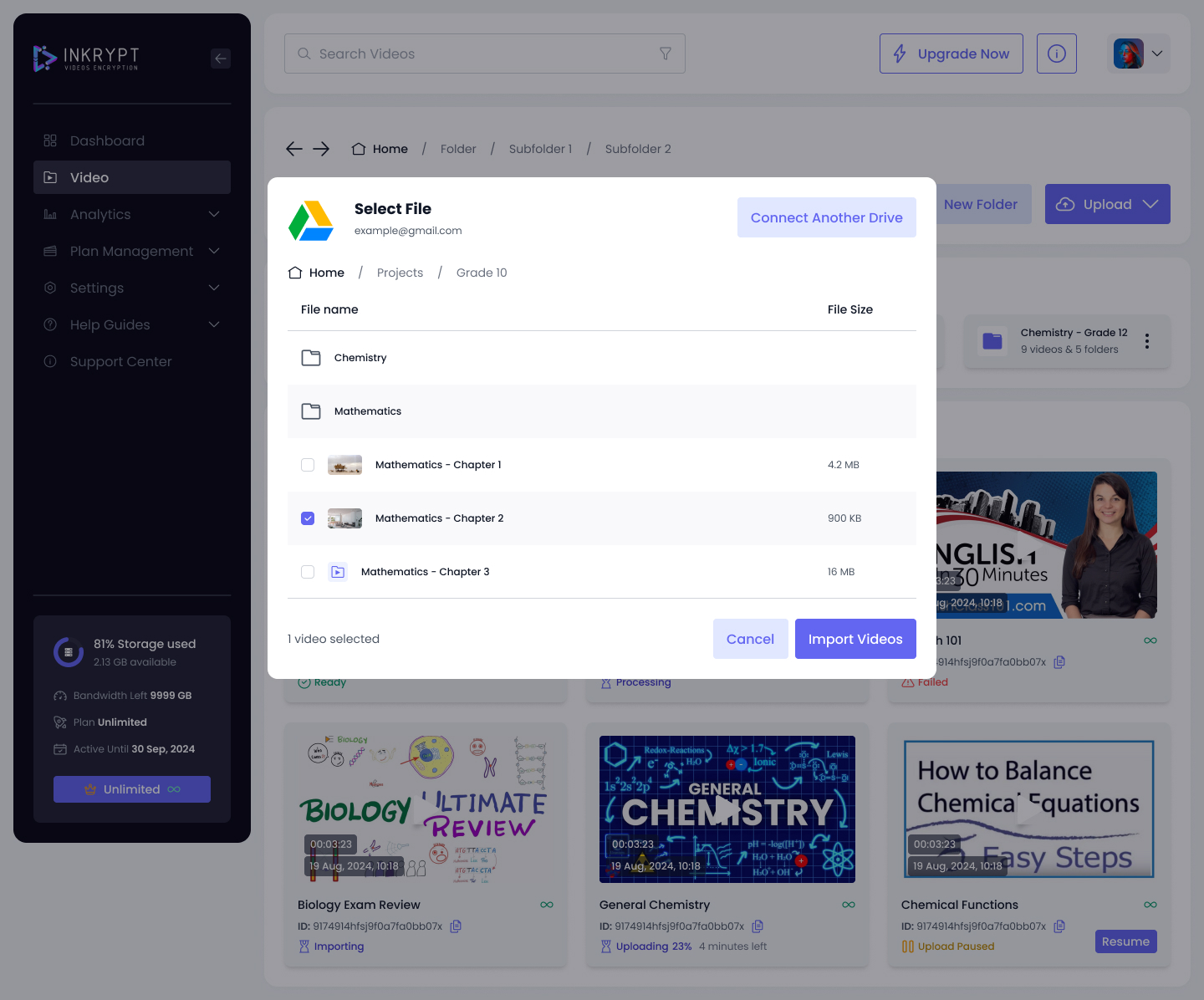
Choose File:
Select the video(s) you want to import.
- Monitor and Complete:
Once the file is selected, monitor the upload progress. Upon completion, the video will appear in the "Videos" section.